Your dog's whole life, in your pocket.
Log feedings, walks, vet visits and more — then share it all with everyone who cares for your pet. DogMi keeps every tail-wagging moment organized and every caretaker in sync.




0
Pets lovingly tracked by their owners
0
Life events logged and counting
0
Average rating on Google Play
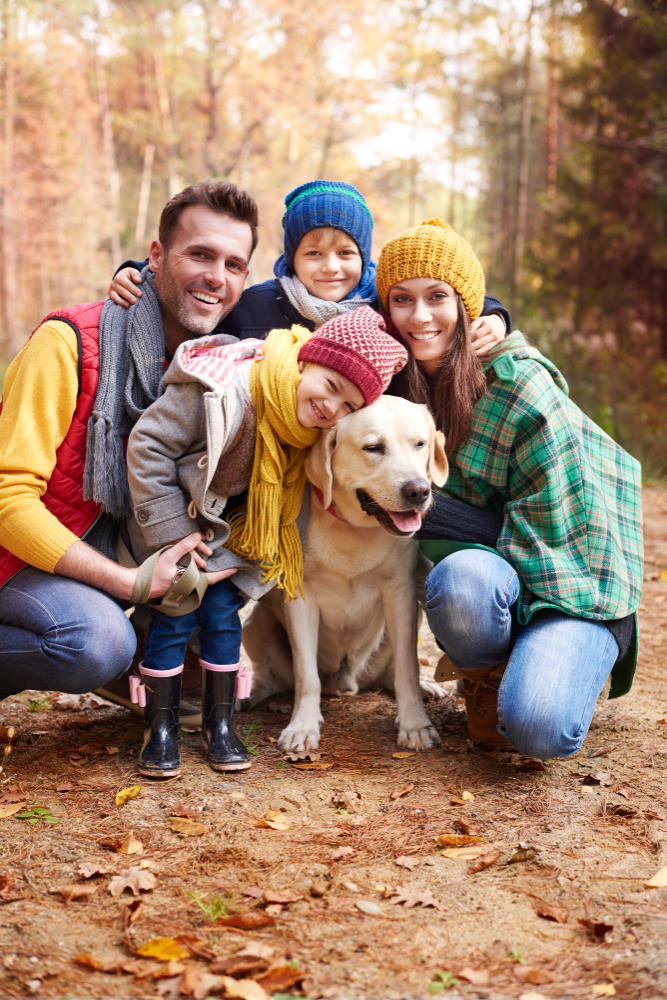
Care together. Stay in the loop — always.
Whether it's your partner, dog walker, or pet sitter — DogMi keeps everyone who loves your dog connected and informed in real time.
Shared Pet Houses
Invite family, friends or your dog sitter to a shared space. Everyone sees the latest updates the moment they happen.
Real-time Notifications
Get instant alerts when a caretaker logs an activity — feeding, walks, medication, you name it.
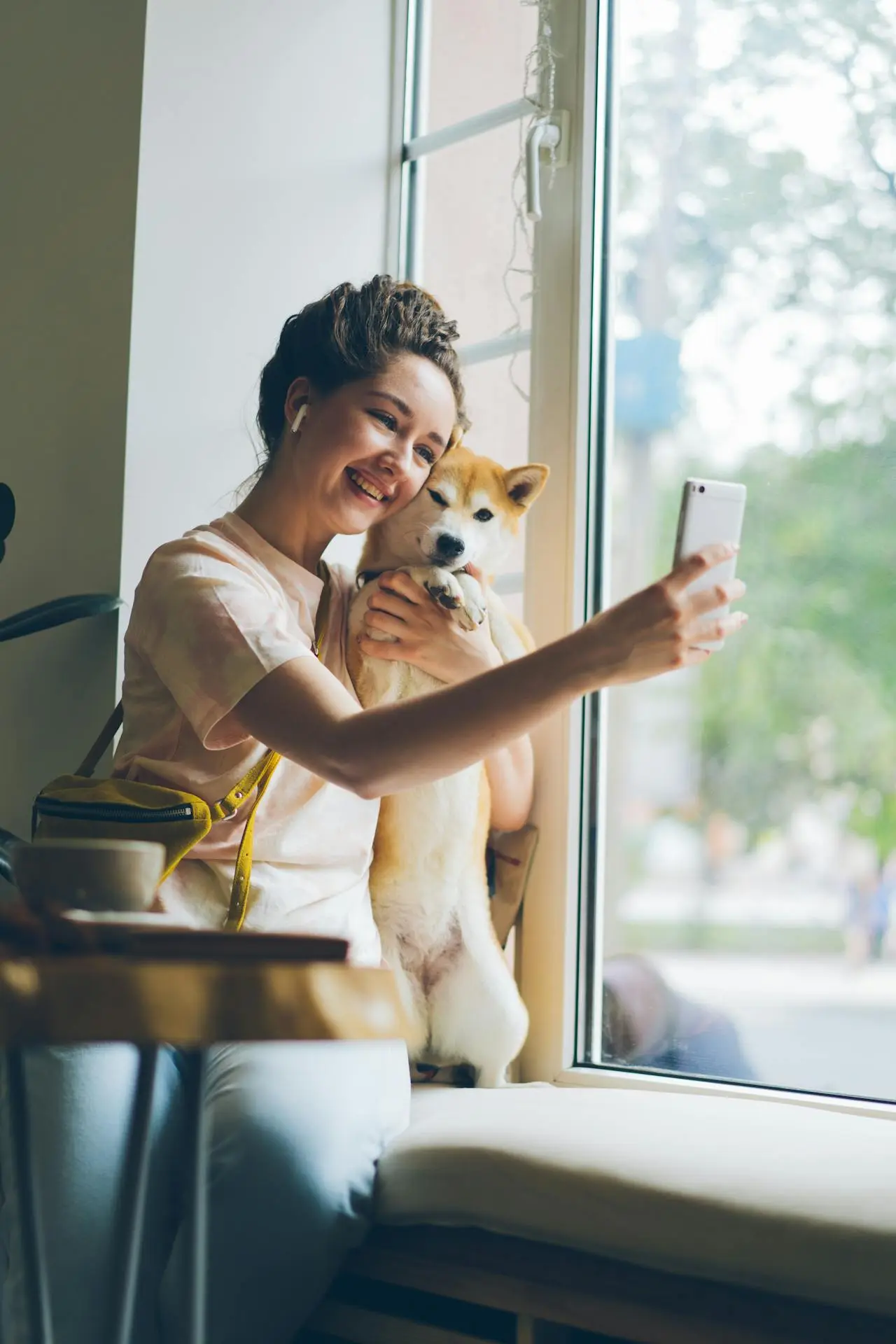
Log it in seconds. Remember it forever.
No more guessing "did he eat already?" — DogMi gives you a clear, timestamped log of your pet's entire day, always at a glance.
Tap-to-Log Activities
Use intuitive icons to record meals, walks, vet visits and more in a single tap — no typing, no friction.
Smart Reminders
Never forget a medication dose or vet appointment again. Set recurring reminders for any routine with ease.
How does it work?
Get started in minutes. No complicated setup — just you, your pet, and a simpler way to care together.
Create Your Pet Profile
Add your dog's name, breed and birthday. Works for all pets too.
Invite Your Caretakers
Add family, dog walkers and sitters to your pet house.
Log, Track & Share
Start logging your pet's day and keep everyone in the loop!
Everything your pet needs. Nothing they don't.

Activity Logging
Tap to log meals, walks, grooming, vet visits and more — all in seconds with intuitive activity icons.

Shared Pet Houses
Build a care team around your pet. Invite family, sitters and walkers — one house, one shared view.

Photo & Memory Sharing
Capture and share the best moments with your pet's care circle. Build a precious timeline of memories.

Smart Reminders
Set reminders for medications, vaccines and appointments so nothing ever slips through the cracks.

Real-time Notifications
Know the moment something happens — even when you're not home. Stay connected to your pet's day.

Cloud Backup
All your pet's data is safely stored in the cloud. Switch devices anytime — your pet's history stays safe.

Pet owners worldwide are falling in love with a better way to care.

"DogMi changed how our whole family takes care of Max. My husband and I no longer argue about whether the dog was fed — we just check the app!"
Sarah M. — Dog Mom of 2

"I use DogMi with all my clients as a dog walker. It's a game changer — owners get notified in real-time and love the photos I share after every walk."
Jake R. — Professional Dog Walker

"The reminders for vet appointments and medication are a lifesaver. I have three dogs and was always forgetting something — not anymore!"
Priya L. — Multi-Pet Household

"Super simple and clean. I set it up in five minutes, invited my partner, and we've been using it every single day. Didn't think a pet app could be this good."
Tom K. — First-Time Dog Owner

"I was skeptical about pet tracking apps, but DogMi just works. Lightweight, fast, and the care coordination features are exactly what I needed when I travel."
Ana W. — Frequent Traveler & Pet Owner
Master DogMi in Minutes
Follow these step-by-step guides to get the most out of your Pet House, invite your family, and keep your dog's routines on track.
Open invitations and share link or email.
Why it matters
Inviting members helps your family or team log entries, complete tasks, and stay aligned in one Pet House.
How it works
You create an invitation and share it as link or email. Once accepted, the user appears in the members list.
Requirements
You need at least one Pet House.
Notes
- If an invitation is pending, you can still resend the link.
- Free users can have up to 2 members in one Pet House.
Flow
- Open your Pet House.
- Go to Invitations and create an invite.
- Share the generated link or email invite.
Where to use it next →
Review active members in the Members page and assign recurring tasks.
Related
Watch Video GuideCreate reusable nutrition definitions.
Why it matters
Nutrition definitions keep your tracking consistent across activities, entries, and goals.
How it works
You define nutrition items once and reuse them when configuring activities.
Requirements
You need at least one Pet House.
Notes
- Keep naming clear (for example, Protein, Fat, Fiber) to avoid duplicates.
Flow
- Open your Pet House hub.
- Go to Nutritions and tap Add.
- Enter name/category and save.
Where to use it next →
After creating nutritions, attach them to activities and then monitor statistics.
Related
Watch Video GuideAttach nutrition values to an activity template.
Why it matters
This enables automatic nutrition calculation for each entry based on the logged amount.
How it works
Nutritions are calculated from the basis you set (for example, per 100g) and the activity amount entered later.
Requirements
- Create at least one nutrition definition first.
- Create or open an activity you want to enrich.
Notes
- Use consistent basis units so totals and comparisons stay accurate.
Flow
- Open Activities and pick a category.
- Open an activity detail page.
- Use Add Nutrition and save the activity.
Where to use it next →
Track nutrition stats in Pet House statistics pages.
Related
Watch Video GuideCreate activity or nutrition goals for your pets.
Why it matters
Goals make progress measurable so you can quickly see if routines are on track.
How it works
Each goal compares logged activity or nutrition values against a target and period.
Requirements
- You need at least one pet in your Pet House.
- For nutrition goals, make sure nutritions are already tied to activities.
Notes
- Set realistic targets first; you can refine values after one week of logs.
Flow
- Open your Pet House and go to Goals.
- Choose Activity or Nutrition target.
- Set value and period, then save.
Where to use it next →
- Use Dashboard and Goals overview to monitor completion status.
- Use statistics pages to validate trend quality over time.
Related
Create recurring reminders in task management.
Why it matters
Recurring tasks reduce missed care routines and keep responsibilities predictable.
How it works
A recurring task auto-creates future reminders based on your chosen pattern.
Requirements
You need at least one Pet House.
Notes
- Assign recurring tasks to members for better accountability.
Flow
- Open Todos for your Pet House.
- Tap Add and enable recurrence.
- Choose pattern and save the task.
Where to use it next →
Use Upcoming Events on dashboard to mark tasks as done quickly.
Related
Video guide will be added soon.
Your pet deserves the best care. We're here to help.
DogMi is always evolving — smarter reminders, richer care logs, deeper collaboration. Built by pet lovers, for pet lovers.
Works for All Pets
DogMi is dog-first, but works great for cats, rabbits and more. Every pet deserves a great care log.
Completely Free to Download
No credit card, no hidden fees. Download DogMi and start caring better — right now.